Digital ID, Verified Instantly
The TENSAI TR-500 is a standalone terminal for reading and verifying digital identity credentials, built on the global ISO/IEC 18013-5 standard. Fast, secure and completely paperless.
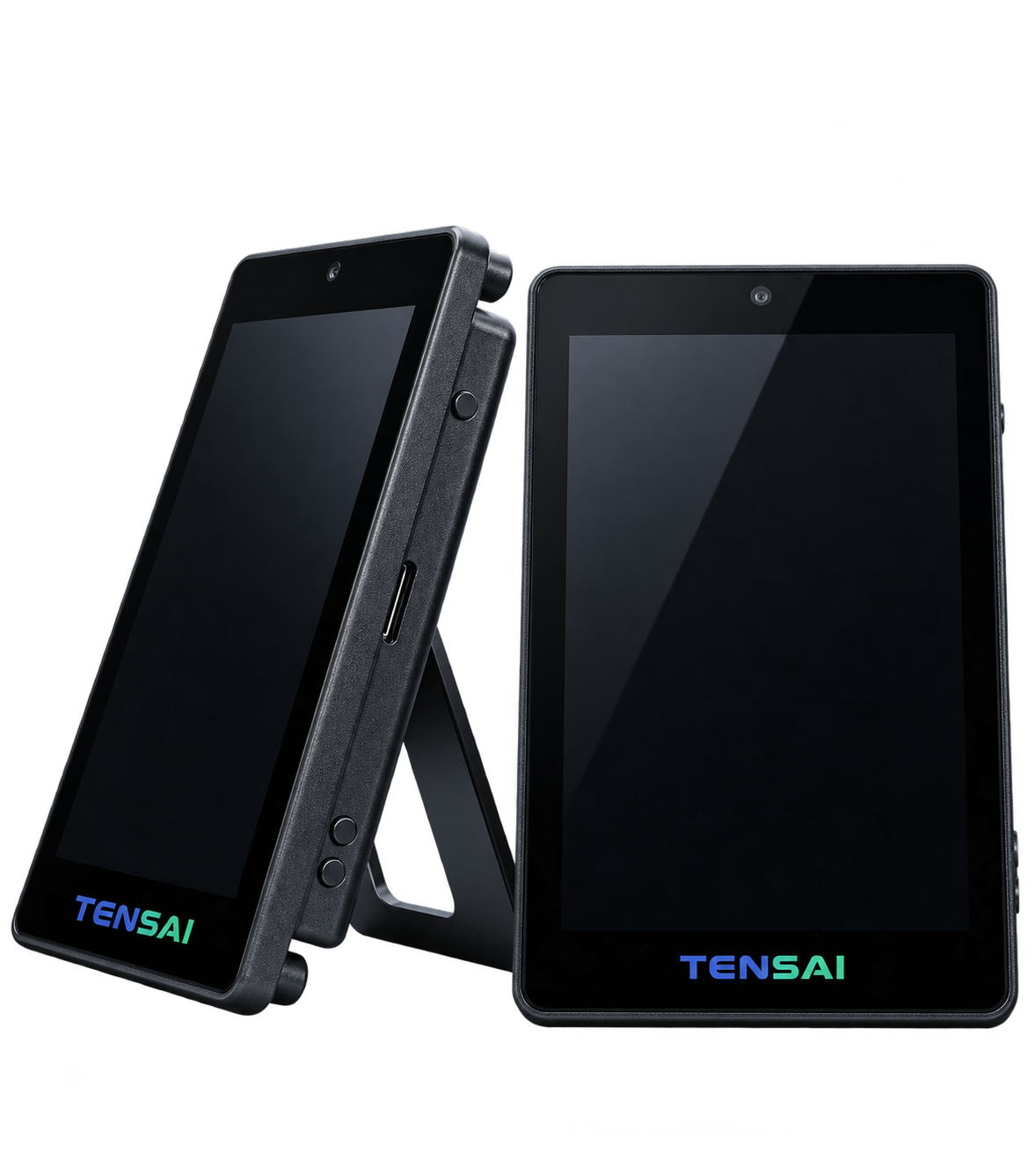
The TENSAI TR-500 is a standalone terminal for reading and verifying digital identity credentials, built on the global ISO/IEC 18013-5 standard. Fast, secure and completely paperless.

The user opens their digital ID or driver’s licence in their mobile wallet, with no physical card or paperwork needed.

The phone connects securely to the TR-500 with a quick NFC tap or QR code scan, with no extra app or setup required.

The device requests only the information it needs, and the user approves it on their phone before anything is shared.

The TR-500 checks the credential against trusted issuer certificates and shows the result in seconds.