Tensai TD-50
A compact BLE dongle that connects your computer to your Android or iOS wallet in seconds. No technical background required.
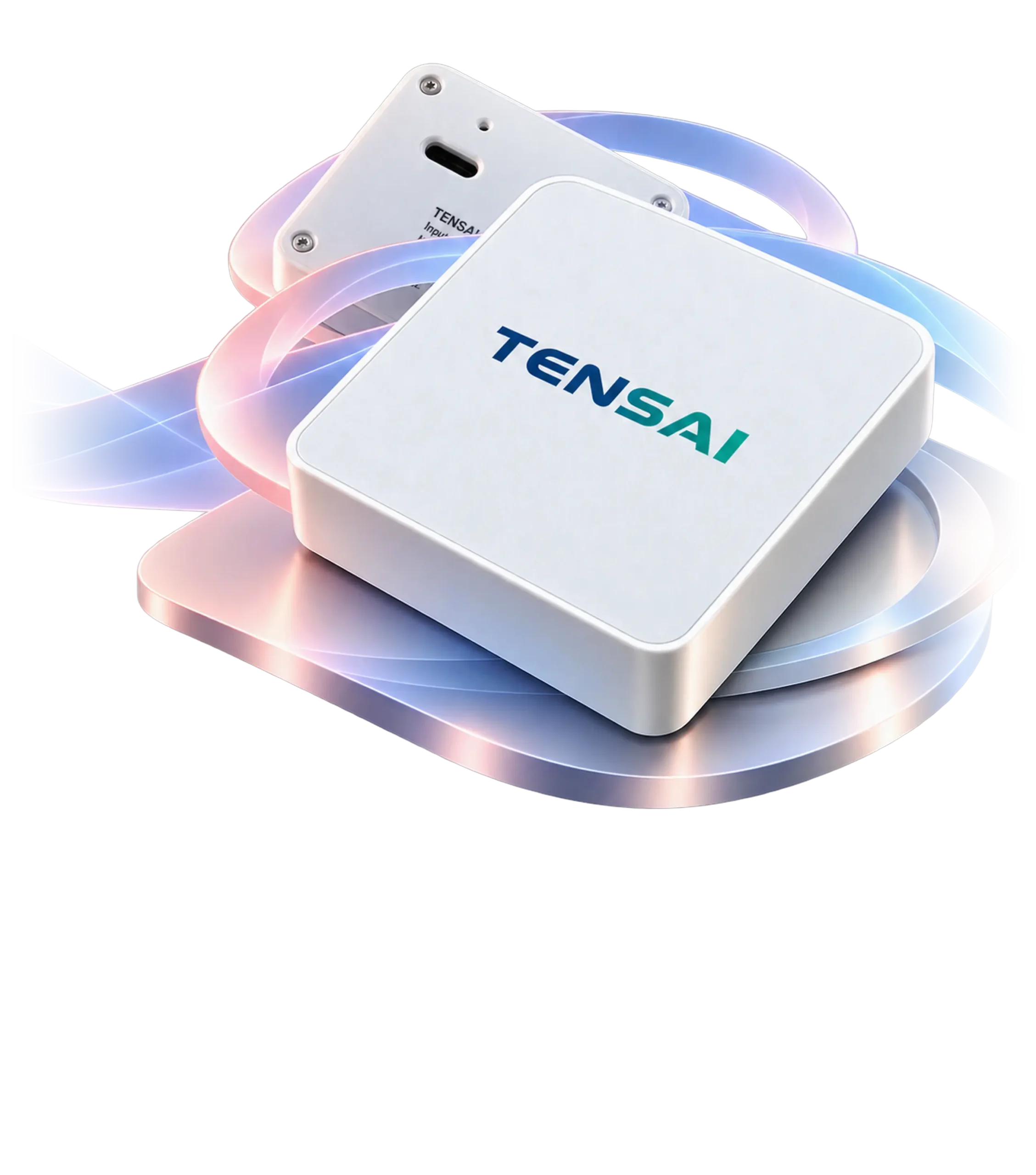
A compact BLE dongle that connects your computer to your Android or iOS wallet in seconds. No technical background required.
 01
01
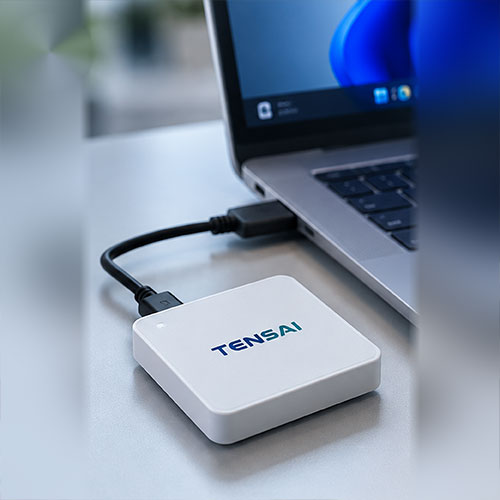
Plug the TD-50 into any free USB port on your computer.
 02
02
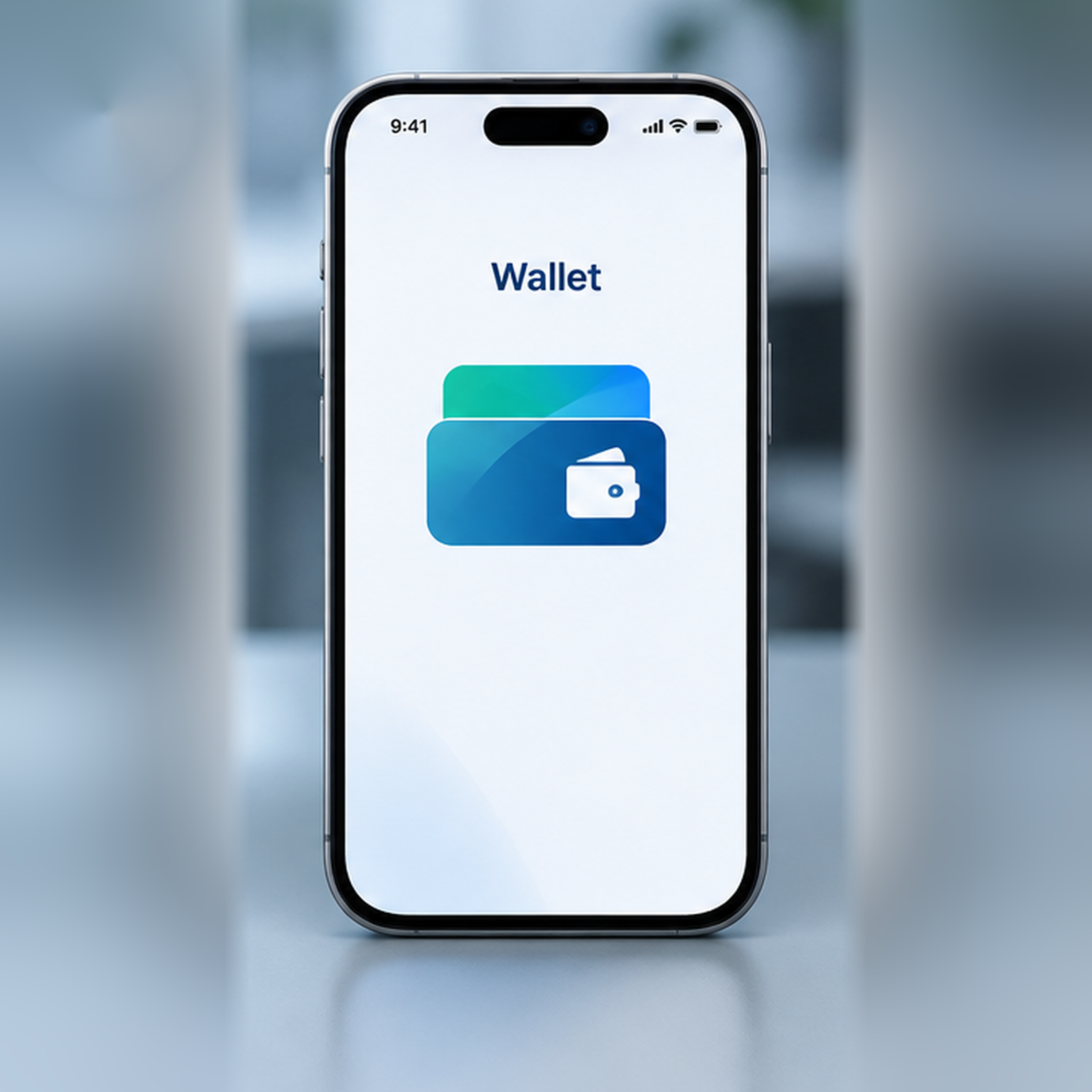
Open your wallet app on your Android or iOS device.
 03
03
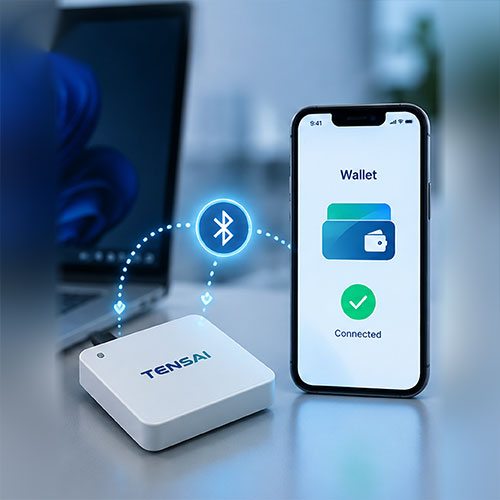
Link the two devices and start using it straight away.

The TENSAI TD-50 uses Bluetooth Low Energy (BLE) technology to create a secure channel between a computer and a user’s mobile device, completing identity verification in seconds. It’s ideal for government agencies, banks, healthcare providers, hotels and customer service counters, and can be rolled out across multiple sites while keeping costs to a minimum.
Verifies identity in seconds over a secure connection.
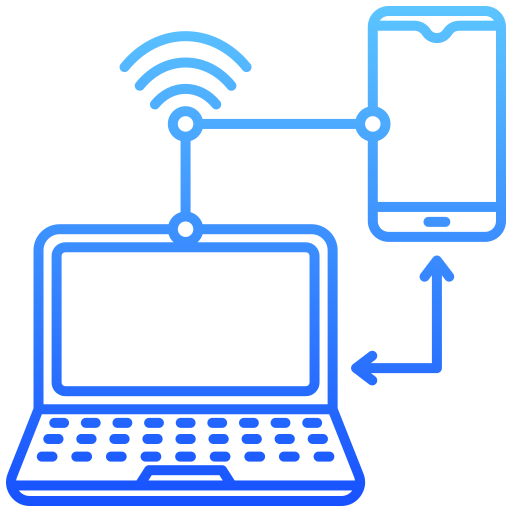
Works with your existing systems. No new hardware or infrastructure changes required.

Backed by Smart Solution’s technical expertise, our team supports you every step of the way, from set up to deployment.